

Automatic backups
ShipSuite every 4 hours, FleetSuite daily, and a backup before every update.

K3ELIX joins the ship and the office in one system. Enter it once. Ship and office both have it. Less chasing, more work done.
0.1 Two products, one system
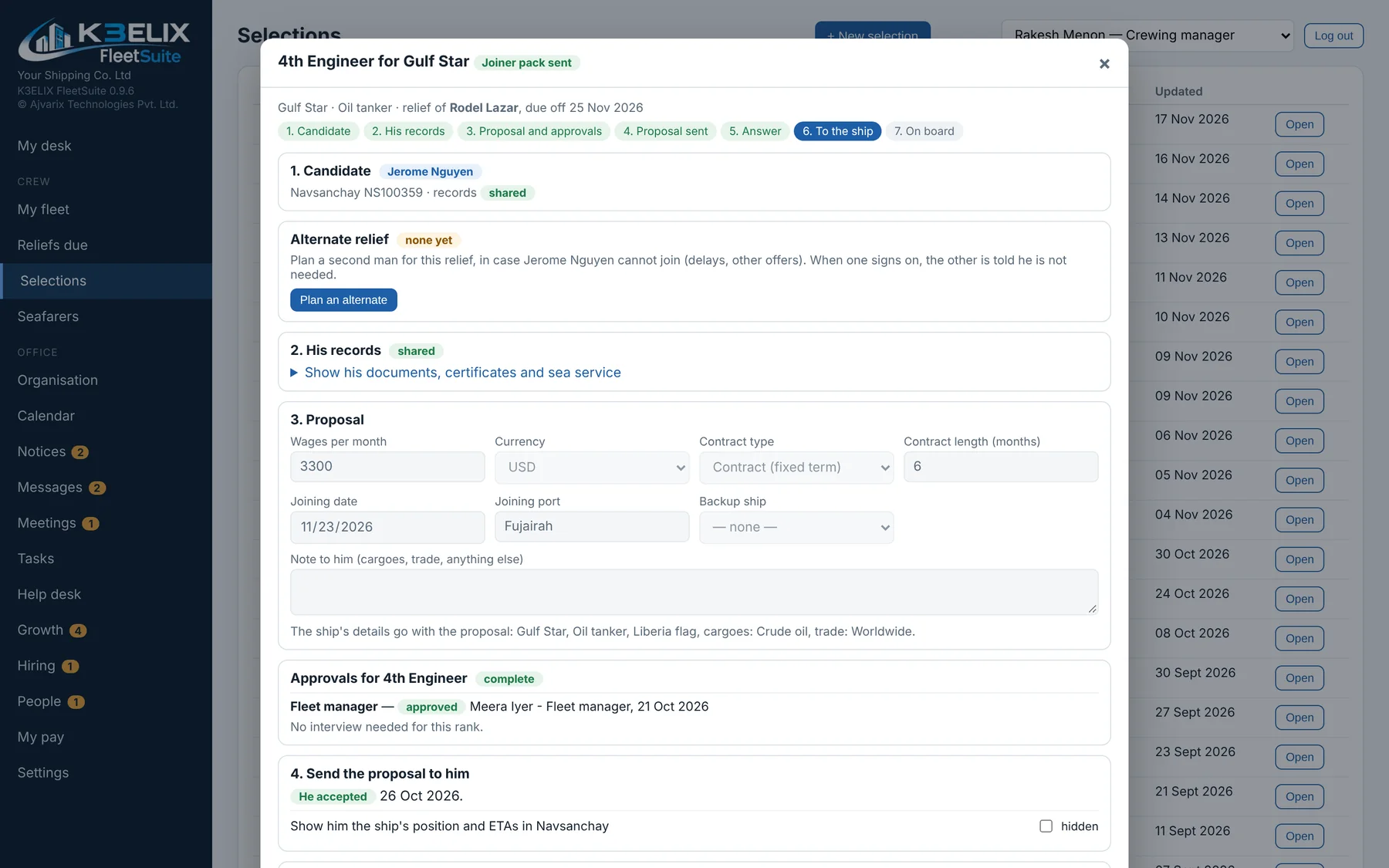
K3ELIX ShipSuite runs on board. K3ELIX FleetSuite runs in the office. The two are joined: crew changes made on board reach the office, and a joiner chosen in the office reaches the ship.
1.0 The problem
Every ship and every office types the same crew list, certificate and rest-hour sheet again. And again. Then e-mails to ask what's already been typed.
2.0 Enter once
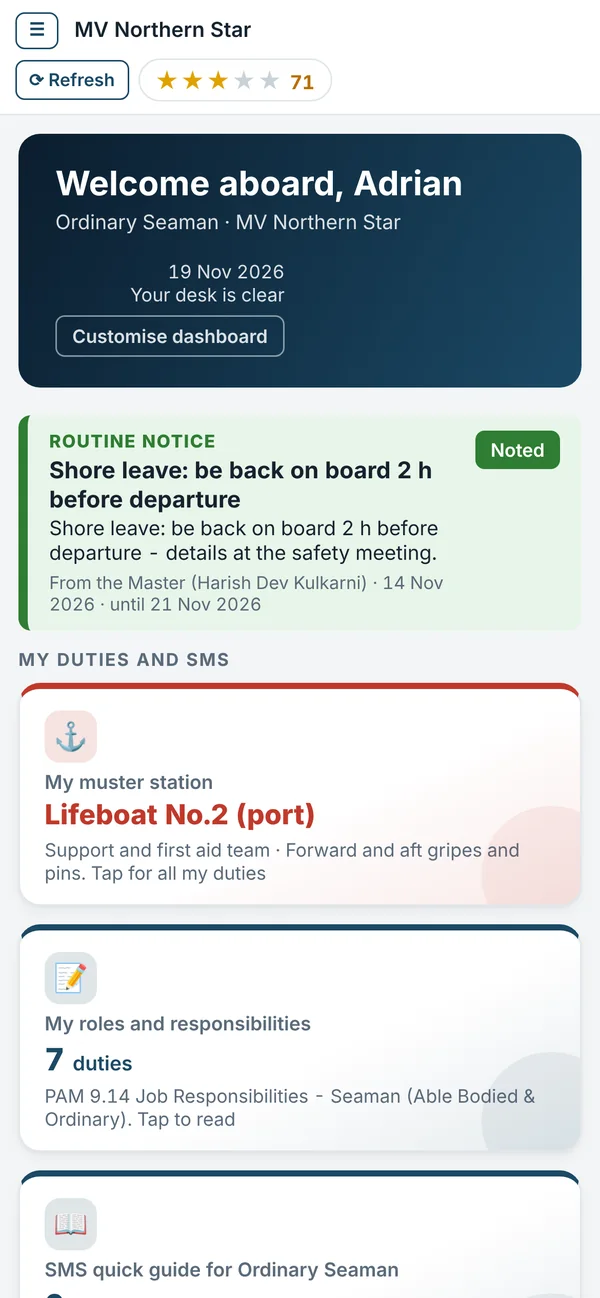
Crew changes made on board appear in the office by themselves, and a new joiner chosen in the office arrives on the ship with his papers.
3.0 Everything in one place
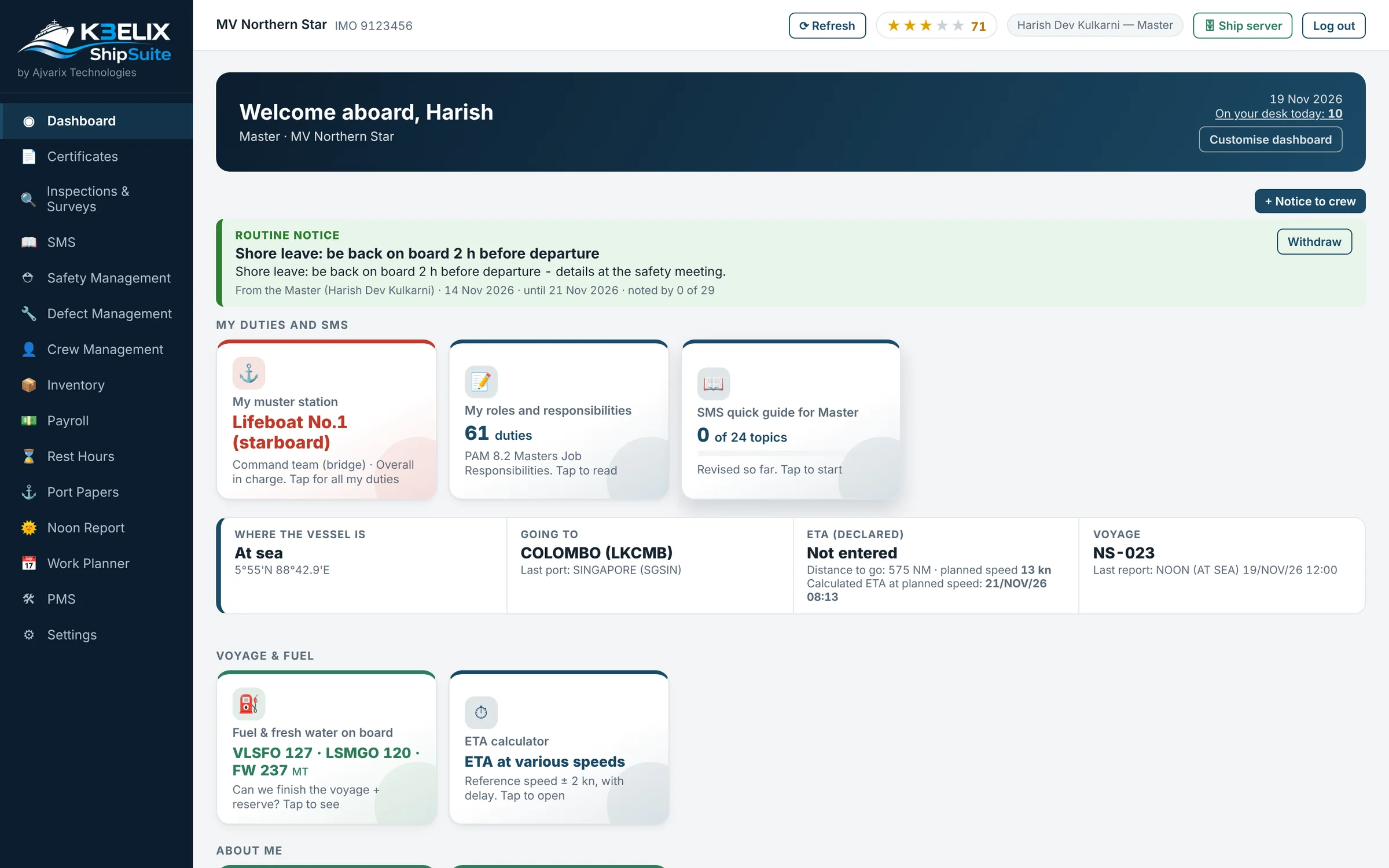
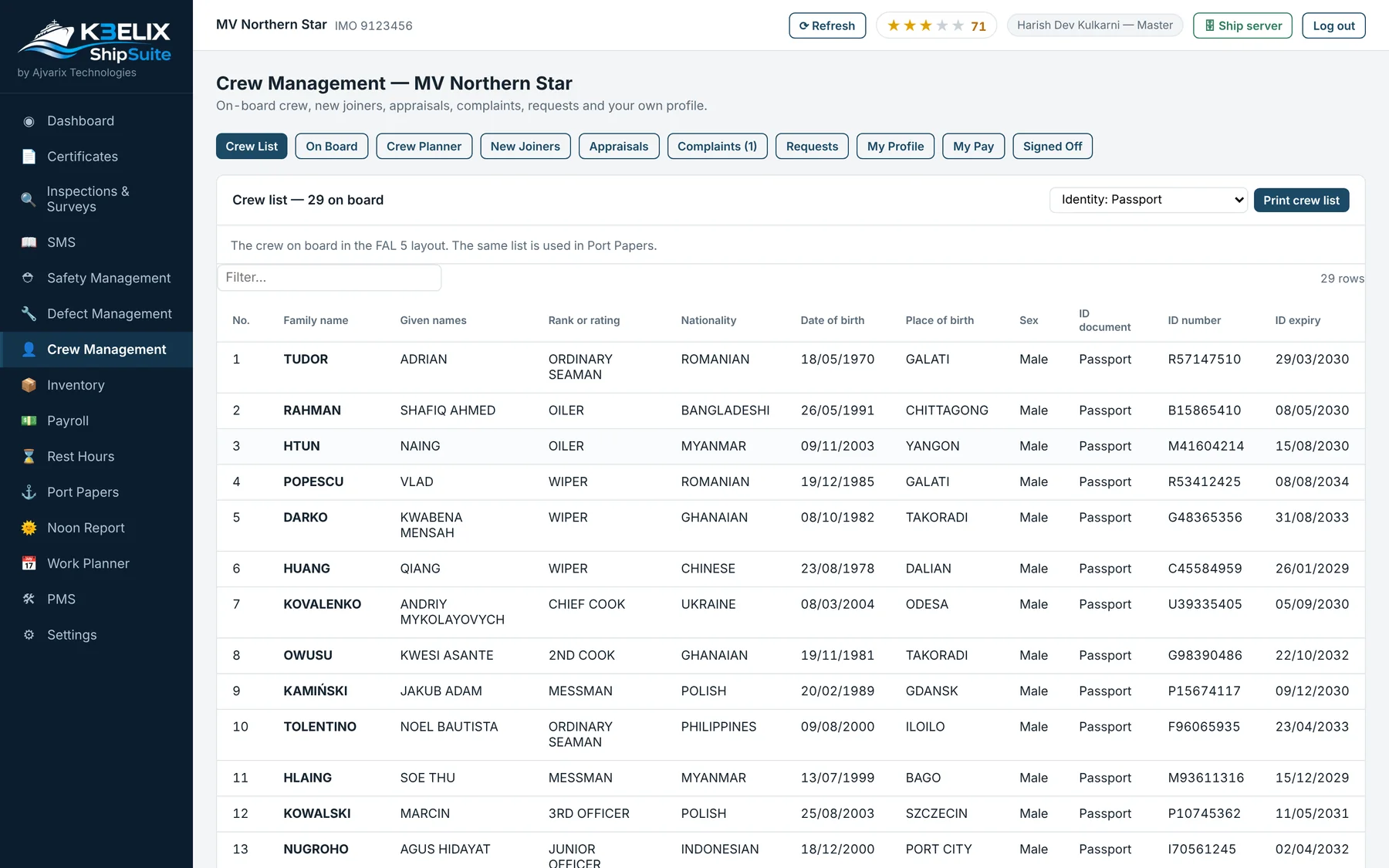
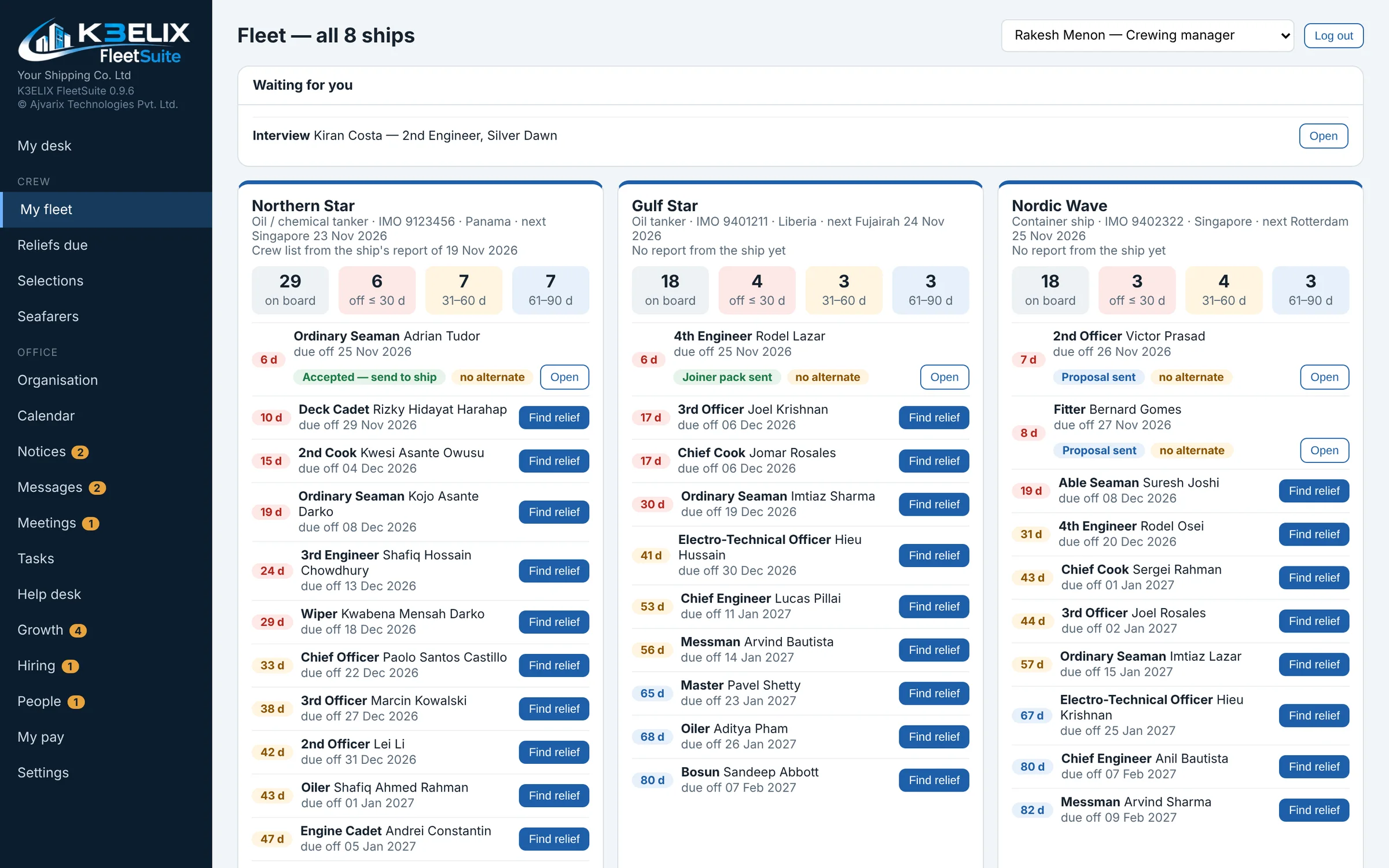
On board: crew, certificates, rest hours, maintenance, defects, stores, payroll and safety. In the office: the fleet, reliefs, selections, approvals, HR and pay. All of it is K3ELIX.
4.0 Transparency
From the first choice to the day he signs on, everyone in the office sees the same status, and the ship's sign-on closes it by itself.
Less communication.
More work.
5.0 Control and safety
The office sees every ship. Data is backed up on its own, every change is logged, and the ship needs no internet to keep working.
ShipSuite every 4 hours, FleetSuite daily, and a backup before every update.
Every change is recorded with who and when. Nobody can edit or delete an entry, not even the Master, and a check shows if anyone tried.
ShipSuite runs on the ship's own computer. Reports travel as small sealed packs whenever there is a connection, or on a USB stick.
6.0 Easy to use
Clear screens and plain words. On his phone, each seafarer sees his own page: notices, his duties and his pay.
Explore a working demo of K3ELIX ShipSuite and FleetSuite with sample data. Our team will be in touch to answer your questions.